Students
Meet peers and alumni, ask questions and build relationships that can support your growth during college and after graduation.
Our community app
Students, alumni, parents and associates: one community, wherever life takes you.
Beta Connections ties the MMSTS community together through conversations, news, gatherings and opportunities. Keep up with people you know and get to know the people who share your interests.
Our community runs on Mighty Networks. You can use a browser or the Mighty Networks mobile app.
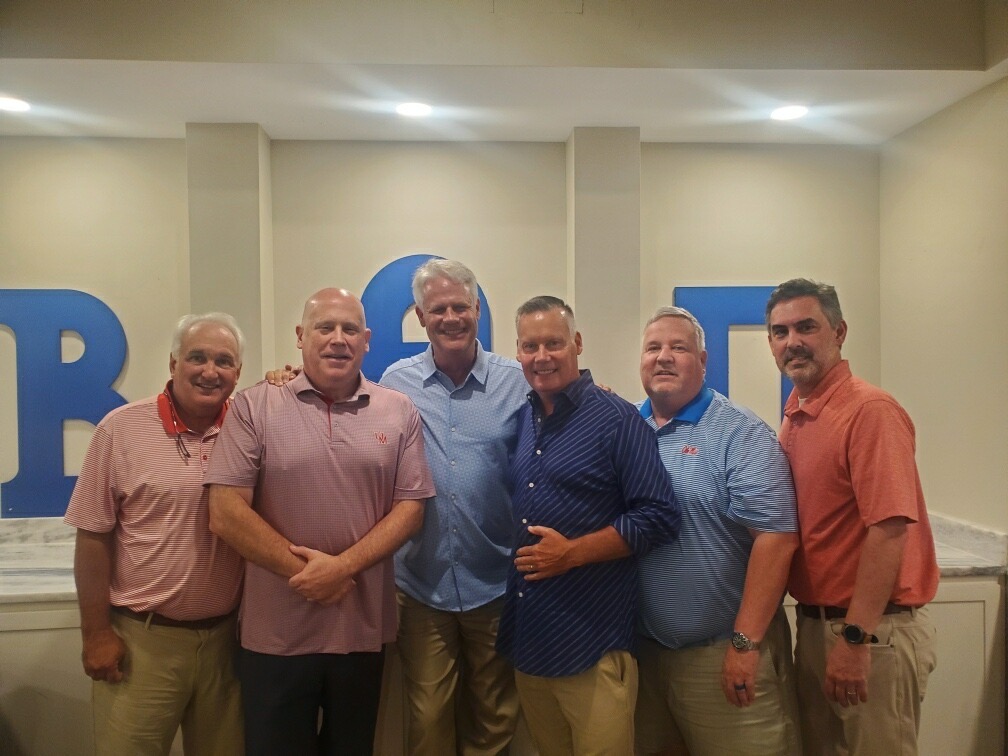
You belong here
Growing together
MMSTS is building toward the resources below. Opportunities and activities will be shared through Beta Connections as they become available.
Optional relationships where students, alumni, parents and associates can learn from one another. Share experience, ask for guidance or offer a fresh perspective.
Plans include internship connections, job leads and job-placement support for students, alumni, parents and associates. Opportunities depend on participating people and employers; placement is not guaranteed.
Plans include practical exercises supporting mental health, managing everyday stress, building healthy habits and strengthening personal connections. These are educational and peer-support resources, not clinical care.
Have experience to share, an opportunity to offer or an interest in taking part?
Contact KevinGetting started
Choose Join Beta Connections. Create your account or sign in, then follow the joining prompts. Complete any membership questions shown. If approval is requested, watch for a confirmation email.
Add a profile photo and let others know how you’re connected to MMSTS. Share your interests and, if you wish, your class year, city or professional background.
Explore the available posts, conversations and events. Say hello, reconnect with someone you know and respond when an event offers an RSVP.
Open your profile picture, select Personal Settings, then Notifications. Choose the email and phone alerts you want. To receive mobile alerts, enable Mobile Push and allow notifications in your phone’s settings.
You can use Beta Connections from your computer without installing an app. If you have trouble with the invitation or access to the community, contact Kevin Seddon.
Contact Kevin